
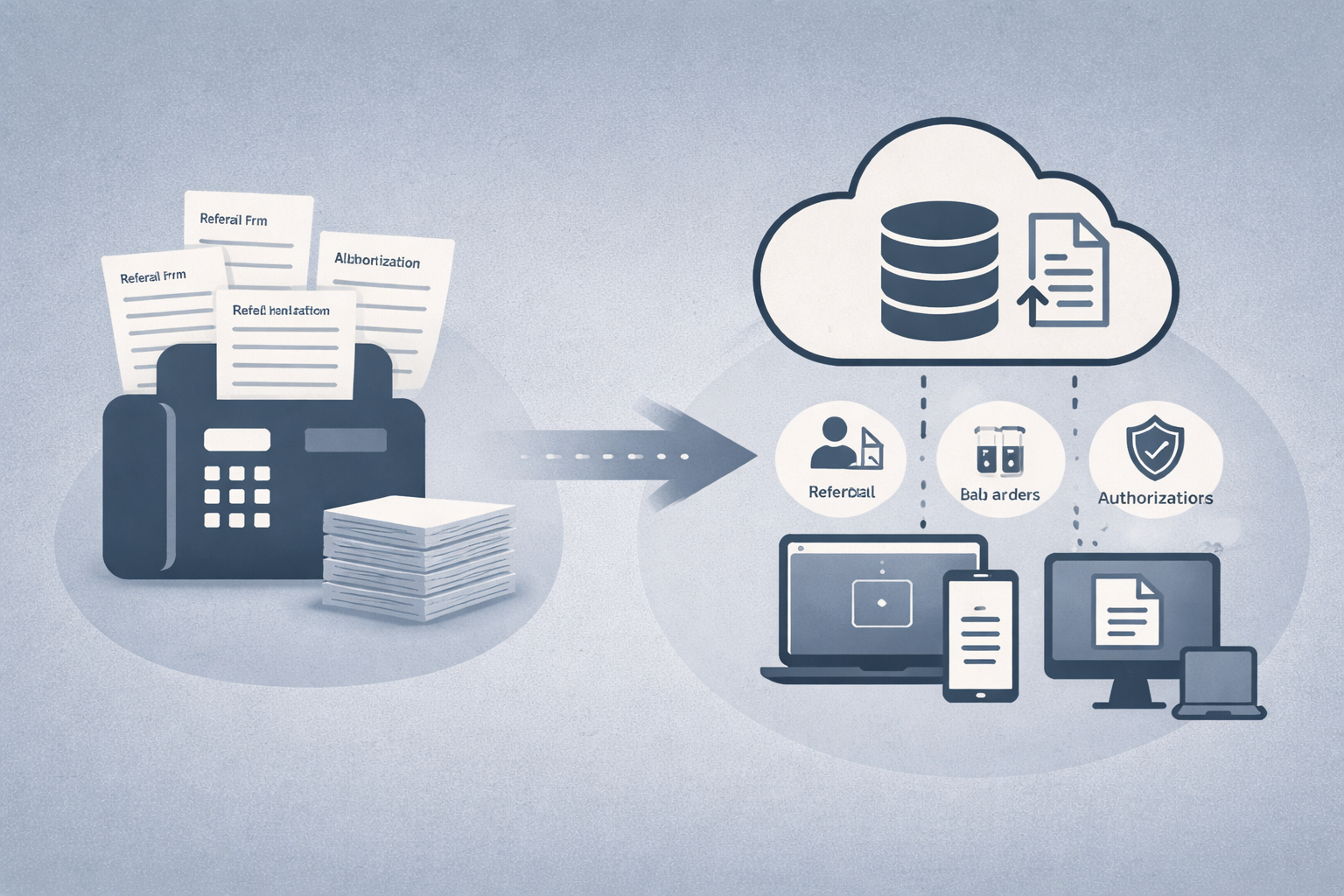
Fax is still necessary in healthcare, but paper is not. Eliminating paper reduces friction, supports compliance, and rapidly accrues ROI.
Even in 2026, fax is valuable in healthcare because it lets everyone transmit PHI securely, even when their partners are far more or less technologically advanced.
Paper-based faxing via physical devices is extremely cumbersome. Staff are anchored to fax machines, which impedes coordination, causes errors, and consumes valuable hours.
Cloud fax is a modern, digital alternative to clunky paper-based faxing. Cloud fax solutions offer a digital workflow that reduces failures, automates sorting and routing, and fortifies security and compliance (when properly implemented).
Clinicians and administrators get precious time back, and face one less obstacle to smooth delivery of care.
Cloud fax replaces both fax machines and legacy fax servers with a managed service. Whether it’s public or private cloud architecture, it connects directly to clinical systems. Fax matures from a physical task to a background workflow.
For recipients, cloud fax is the same as traditional fax. Documents arrive exactly where and how they always did, even though the process is digital behind the scenes.
For senders, cloud fax feels more like sending an email or notification. The message is generated and sent electronically, even from within the EHR or other operational software, rather than from a physical device.
For IT and compliance personnel, who are responsible for the whole system, cloud fax has several helpful differences:
Ultimately, cloud fax enables a more efficient, secure, and cost-effective workflow that expedites and smooths the delivery of care.
The referral process is a visible and notorious painful example of the breakdown of paper faxing.
It often beings with printed packets that are faxed, re-scanned, renamed, and manually attached to charts. Pages vanish, attachments go missing, and confirmation is ambiguous. Staff have to chase paperwork instead of moving patients forward. This dysfunction can compound into lost patients, lost revenue, and even long-term reputational damage.
Cloud fax addresses the core problems:
Lab workflows are prone to document bottlenecks in both directions.
On the outbound side, handwritten orders and manual entry create delay and risk. On the inbound side, multi-page results pile up, get scanned, renamed, and matched by hand. Errors are common, and turnaround suffers.
Cloud fax integrated with the EHR and LIS to digitize the entire exchange. Orders are generated in the clinical system, sent through secure online pathways, and tracked in real time, and permanently logged for audit purposes. The same is true of inbound orders, which can be routed directly to the appropriate patient file or other location.
Prior auths suffer from limited visibility and audit trails, as staff send packets, wait, resend, and wait again.
Cloud fax keeps authorization communication digital from start to finish. Requests leave the EHR with supporting documents attached automatically. Responses are properly routed instead of sitting in shared inboxes. Over time, organizations see fewer denials tied to missing paperwork, clearer insight into payer response times, and audit-ready records.
Good cloud fax solutions excel at three things:
Reliability is the result of conscious architectural choices: built-in redundancy, predictable retry behavior, clear transmission statuses, and even self-improving algorithms for content-based routing.
Security is enforced through encryption in transit and at rest, granular user permissions with role-based access control, and immutable logging of all document events and interactions.
Integration implies native connectors for all major clinical and office applications, support for modern REST APIs, and potentially support for the older API used in legacy desktop software. Critically, all the above need to provide a complete audit trail by sending the same metadata to the same logs.
When these pieces come together, fax changes from a resented workaround into a mature, governed PHI platform.
A smooth transition to cloud faxing has more to do with project planning than with technology.
Start by inventorying what exists today: fax servers, integrations, numbers, and the workflows they support. Identify who owns each workflow, where dependencies exist, and where risk concentrates—single points of failure, aging infrastructure, carrier reliance, or fragile custom logic. Define baseline expectations for availability and recovery so there’s a shared understanding of what the environment must support.
This is a significant amount of upfront work, but it establishes a clear scope and risk profile. Without it, migration decisions tend to optimize for convenience rather than stability.
Once priorities are aligned, map requirements to the target architecture and begin with a pilot. Validate routing behavior, delivery reliability, and throughput under real conditions before expanding in phases. Security and compliance controls—such as access, encryption, and logging—should be confirmed before production traffic moves, not retrofitted after the fact.
In our experience, this the safest way to maximize the likelihood of success and to minimize disruptions.
If you’re planning a move away from physical fax or aging infrastructure, we can help assess your current environment and map a phased migration that protects integrations, availability, and compliance. To discuss your goals with a senior solutions architect, please contact us today.