
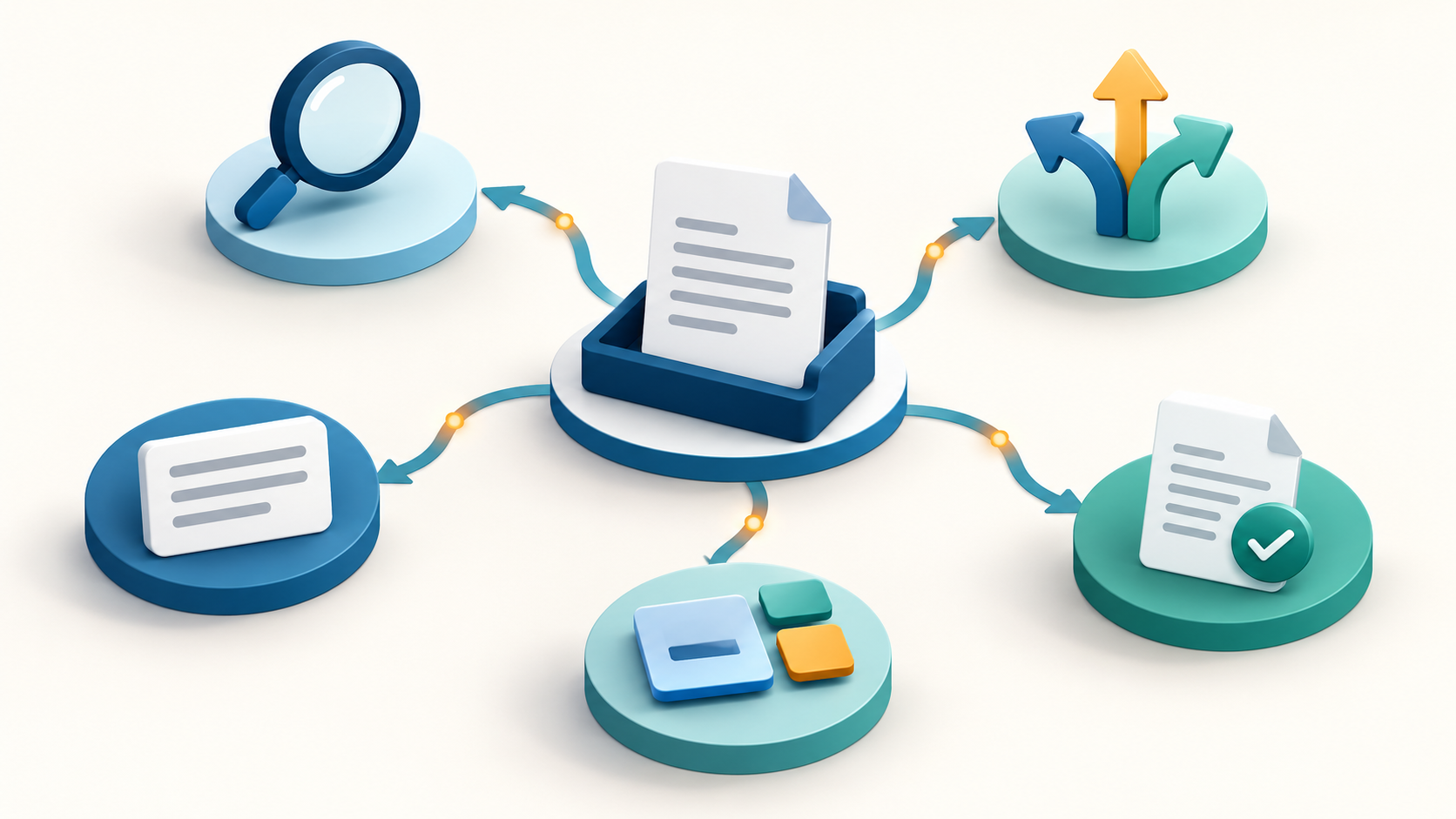
“Agentic faxing” describes a platform that uses document context to take permitted actions within a defined workflow, with human oversight. OpenText Fax implements it with four specific tools (and one general feature). Their distinct AI capabilities add up to an agentic fax system.
Below, we’ll look at what each agent actually does, and why the term “agentic” isn’t just marketing language.
The term “agentic” gets used widely and loosely, but here we mean something specific: a system that uses document context to make decisions that may lead to action.
Traditional OCR-plus-rules automation would capture document text and then apply a complex set of if–then rules. That’s still useful—and extremely efficient—as long as patterns match. But issues arise when documents almost fit the pattern, or fit multiple patterns, which happens regularly with real-world faxes.
An agentic fax system reads, understands, and acts. AI models interpret document context; configured rules and review controls determine which actions the workflow permits.
The Assist agent handles day-to-day questions that would otherwise land on a help desk or a colleague: how do I resend this? Where does this fax go? Why didn’t this go through?
That sounds minor, but it often accounts for a large chunk of a support team’s ticket volume. Occasional users get answers in the moment instead of waiting on someone else, which matters most for staff who touch the fax system a few times a month rather than every day.
Route combines content, document classification, and deterministic routing rules to decide where an incoming fax should go. Configure a human review path for uncertain or unmatched results.
A referral and an urgent authorization request don’t belong in the same queue with the same priority. Route’s job is to triage them on arrival rather than leaving it up to whoever opens the inbox next.
(This is a terrific example of agentic behavior as we described above. Rather than just labeling a document, Route uses document context to decide where it belongs, then sends it there.)
Summarize condenses complex faxes into a “TL;DR” that helps the reader make the right decision sooner. For instance, a twenty-page referral packet may become a couple of paragraphs that a reviewer would otherwise have spent 10 minutes synthesizing from the whole document.
Extract pulls key fields (like names, dates, or amounts) into structured tables. It does so without the fixed zones used in template-based extraction; OCR itself does not inherently require templates. The structured output is then exposed through the API, available to compatible downstream integrations.
Zonal OCR first needs to be told where to look on the document and how to parse values. It might recognize a date of birth because it’s in the right half of the second zone from the upper left, it can be parsed as a common date format, and it falls within a valid range of years. This is still a prudent approach for consistent and high-volume documents, but it’s only helpful when layouts are predictable.
Extract, on the other hand, might independently recognize a date of birth because it’s under a Patient Information section. The model’s background “knowledge” helps it understand how dates look and which dates are reasonable for a living person, but the workflow still needs defined target fields and validation criteria. (This is more or less how humans interpret unfamiliar documents, too.)
This example is trivial, but the principle matters enormously for fax traffic with varied formats. It broadens the range of layouts that can be processed without separate templates, though accuracy still needs testing.
Lastly, an inbox-level agent organizes and categorizes faxes so users don’t open a cluttered queue. Rather than a person scanning through an unsorted inbox fax by fax, this capability groups related documents, flags what needs attention, and surfaces patterns across the whole queue.
The four agents we discussed previously are task-specific tools that make decisions based on individual documents. This one does not take action, but is closer to a background process that makes the UI more intuitive and manageable for humans.
These four capabilities provide user guidance, route faxes, summarize content, and extract fields. Human review should be built into workflows where uncertain or incorrect results could cause harm. Along with inbox management, they add up to an agentic fax platform that frees up staff to focus on complex or critical decisions.
We’ve written in detail about how that human checkpoint actually works in our piece on confidence thresholds and human-in-the-loop review.
If these capabilities sound promising in the abstract, then your next step is to put them to the test with your own document mix. To learn more about the technology, or to discuss what a high-impact pilot project could look like, reach out to our solutions engineers today.
It uses AI to interpret fax content and take permitted actions within a workflow, with human oversight.
OpenText Fax Aviator provides Assist, Route, Summarize, and Extract capabilities for user guidance and document processing.
OCR converts page images into readable text. AI extraction identifies relevant fields and returns structured data.
No. Reviewers still need to handle exceptions and check results where mistakes could affect the next action.