
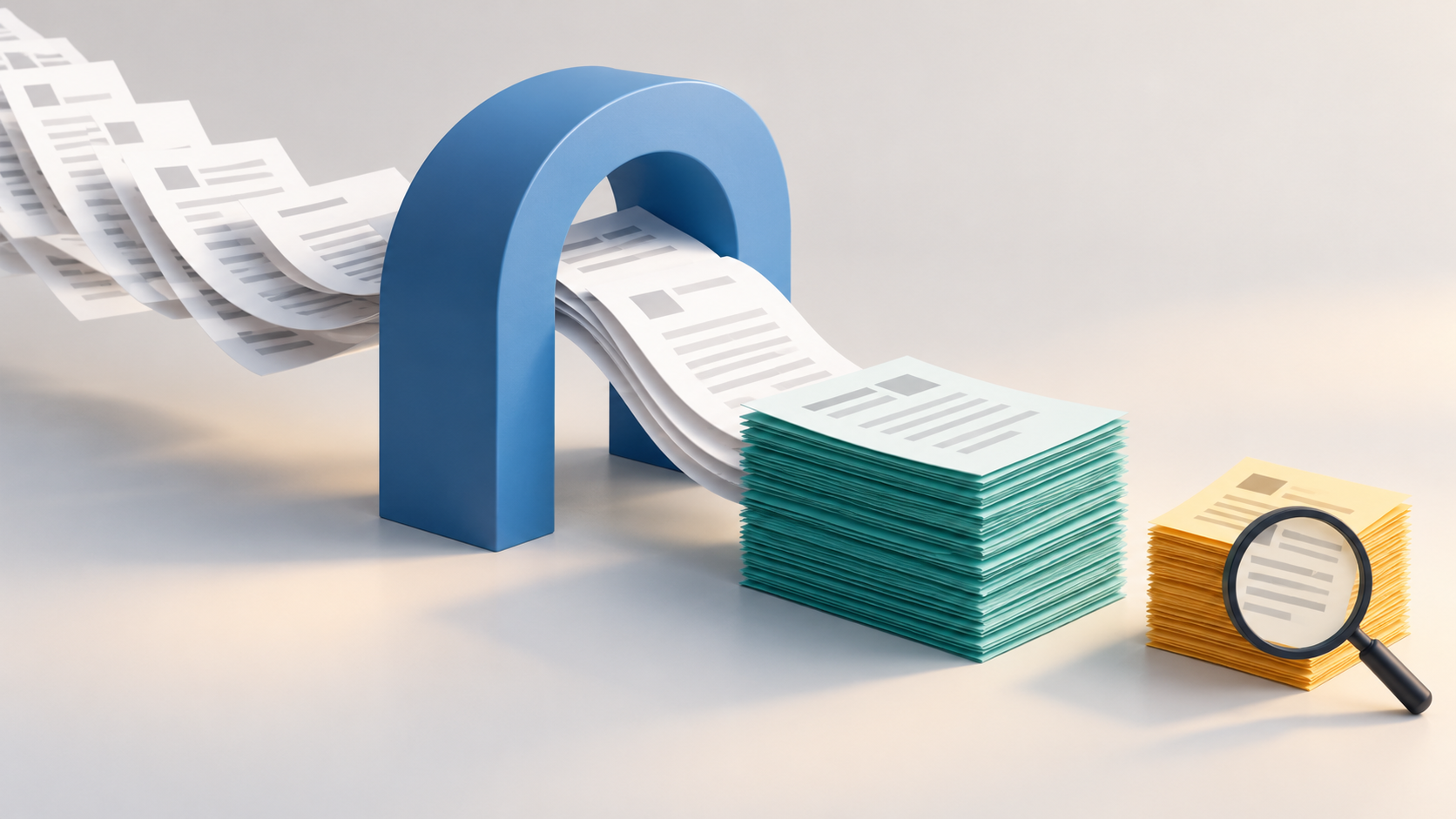
Generally, 60%–70% of inbound healthcare faxes can be automated from start to finish. That results in labor savings at every step: receiving faxes, extracting their data, triggering workflows, and routing documents to secure storage/archival.
If hundreds to thousands of complex faxes arrive each month, the labor savings are significant.
Let’s take a closer look at the healthcare fax automation ROI math so you can adapt it to your own, real-world baseline.
It takes about seven minutes of manual triage to process an average inbound fax, according to customer studies from OpenText. “Triage” in this case covers:
Our observations corroborate the seven-minute finding. If anything, real-world averages may be longer, since triage alone does not include fixing errors or dealing with their consequences.
Your manual baseline figure will shape the project’s success—both real and perceived. Seven minutes is a defensible benchmark, but it’s no substitute for actual calculations using your own document mix, staff experience, rework rates, and the ripple effects of errors.
Consider a mid-size health system receiving 3,000 to 4,000 referral faxes a month:
3,000 faxes * 7 min/fax / 60 min/hr = 350 hours
4,000 faxes * 7 min/fax / 60 min/hr ≈ 467 hours
That’s the equivalent of two or three full-time employees whose job is solely to read and key in referral faxes. On the lower end, automating just 60% of 3,000 faxes/month would free up 210 staff hours/month before accounting for oversight and rework—more than one FTE at 173 hours/month.
For large, enterprise-size healthcare organizations, the numbers are on a different order of magnitude. Major providers may receive tens of thousands to hundreds of thousands of faxes per month, equating to dozens of FTEs, growing more or less linearly with referral volume. At that scale, even a pessimistic assumption of 50% automation would still yield monthly labor savings of five to six figures.
These estimates depend on the assumed handling time and automation rate; validate both against your own workflow.
So far, we’ve talked about 60%–70% end-to-end automation, where no routine manual handling is needed within the defined workflow.
Documents that still need review may also take less staff time. If 60%–70% need no manual handling and the remainder take 1–2 minutes instead of seven, the model yields roughly 89%–96% less handling time. That is an illustrative calculation, not a measured outcome; it excludes oversight and rework.
Labor hours are key to the business case, and relatively easy to calculate. But they’re not the full story. Faster referral turnaround can help retain appointments that might otherwise go to a competitor and reduce revenue leakage from referrals that languish in a fax queue.
The revenue impact of referral fax automation is hard to predict and easy to overlook, but it may prove even larger than labor savings in the long run.
Perfectly clear and pre-validated inbound faxes are a fantasy. Smudged documents and ambiguous patient lookups are to be expected, so some manual intervention remains necessary. Data capture technology has advanced enormously in recent years, largely driven by AI vision models and context-aware LLMs, but human judgment is still necessary from time to time.
The key is to flag those issues promptly and route them to the right human reviewer, always erring toward caution. An extra seven minutes to handle the document manually is nothing compared to the ramifications of proceeding automatically based on the wrong guess.
While the vast majority can be automated fully or in part, a claimed 100% automation rate across varied document types needs scrutiny: check its scope, accuracy, and exception handling.
Speaking of data quality: properly configured fax automation catches issues that human reviewers may hurry through.
For instance, fax data can be validated and cross-referenced as part of the same process, e.g., confirming that an MRN is consistent within the fax and with the patient record it’s attached to. Software can perform these checks quickly when the relevant records are accessible and matching rules are configured.
It’s hard to attach an ROI number here, since it’s best framed in terms of problems and compliance issues avoided.
High-ROI fax automation requires a clear manual processing baseline, conservative confidence thresholds, and resilient fax infrastructure. (This is a topic we’ve covered at length in our guide to fax architecture, revenue, and care.)
In short: Private Fax Cloud® comes pre-configured with years of healthcare best practices, plus the review workflows and reporting needed to measure impact from day one.
If you’re curious how much of your document mix can realistically be automated, and how a modern fax solution might work in practice, then reach out today to talk with a senior solutions engineer.
It depends on the document mix, data quality, and workflow. Validate the 60%–70% scenario in a pilot before using it in a business case.
Subtract post-automation staff hours from the manual baseline, including review and rework. Multiply hours saved by the fully loaded hourly labor cost.
Not automatically. They free capacity; cash savings depend on reduced overtime, avoided hiring, or other spending changes. Deduct implementation and operating costs when calculating ROI.
Yes. Unclear documents, ambiguous patient matches, and other exceptions need a review path.