
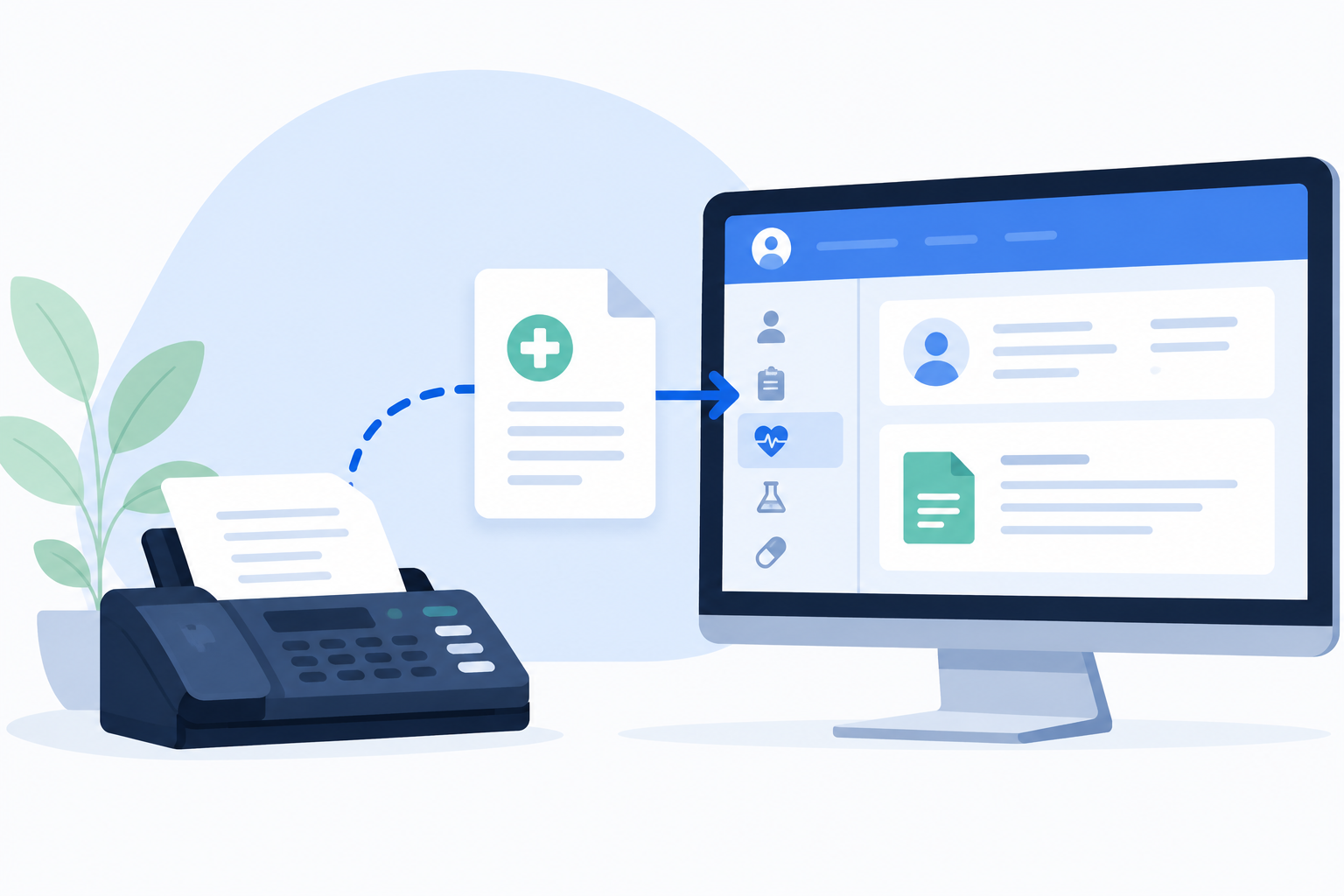
In most healthcare organizations, fax and EHR are deeply interrelated. Referrals arrive by fax and need to land in the EHR. Orders go out by fax from within the EHR workflow. Lab results, prior authorizations, and discharge summaries all move through fax channels. How well those handoffs are automated determines how much manual work falls on clinical and administrative staff — and how much PHI sits outside the medical record waiting for someone to move it.
Most EHR platforms include a native fax module, but depth and reliability vary considerably. RightFax’s certified integrations cover the full workflow: inbound capture and routing, outbound fax from within the EHR, automated indexing, OCR-assisted patient matching, and delivery confirmation. The goal is that faxes appear where they’re needed without anyone manually handling them in between.
For an overview of how fax-to-EHR fits into a broader healthcare fax architecture, see Fax to EMR & Healthcare Fax Solutions.
Without EHR integration, inbound faxes arrive in a generic queue where staff manually sort, print, scan, or re-key information into the EHR. PHI sits outside the medical record—susceptible to loss or delay—until someone moves it.
Inbound integration uses rules—often a combination of DID routing and OCR—to place records automatically in the right queue or destination. All routing activity is logged, and a routing confirmation or failure alert can be returned for monitoring and analysis.
Different inbound fax numbers route to different departments. The referrals line goes to the referral management queue, the lab line to the lab results queue, and so forth. This is by far the simplest routing techniques; it’s a solid foundation but rarely captures the full extent of routing scenarios or document variations.
For more complex routing, OCR software (like RightFax Capture) reads the document itself. The OCR module extracts text, runs it against lookup tables and business rules, optionally uses AI to handle ambiguity, and routes based on its findings. A configurable confidence threshold determines whether a match is accepted automatically or flagged for human review, and the OCR software learns over time from human intervention.
For more on OCR’s role in healthcare fax workflows, see OCR and RightFax for Healthcare and OCR and RightFax for EMR.
An ideal outbound EHR fax workflow goes something like this:
RightFax supports this through native integrations with all major EHR vendors plus several more specialized applications. The integrations we most frequently set up include:
In addition to these native connectors and dozens of others, OpenText provides robust RightFax SDKs and APIs, as well as a universal print-to-fax option.
Below are some common fax-to-EHR integration patterns. Naturally, the right configuration depends on your organization’s clinical structure, EHR platform, and fax volume.
Downtime planning for fax-to-EHR integration is often overlooked, leaving a vulnerability to gaps at the worst possible time.
If the EHR is unavailable, fax infrastructure must continue to receive and queue documents independently. Downtime procedures need to define where inbound faxes go when the EHR can’t accept them, and clinical staff need access to a fax client that doesn’t depend on EHR availability. Documents received during downtime need a defined reconciliation process for filing into the EHR once it recovers.
If the fax service is unavailable, outbound EHR faxes may fail silently, while inbound faxes are lost without fallback routing. This is mitigated through disaster recovery configuration, failover, and/or managed service SLAs (in the case of hosted fax serviced).
It’s critical not only to test fax and EHR failover independently of each other, but to translate the guidelines into protocols that clinical and operational staff understand and can follow.
HIPAA itself is not a technical document, and fax compliance with HIPAA isn’t formally certified by a government body. But the requirements around PHI handling are generally clear: for all practical purposes, every routing decision and touchpoint in a fax-to-EHR workflow is a PHI handling event, and as such must be secured, auditable, and proactively reviewed.
For more on HIPAA-aligned fax configuration, see The HIPAA Cloud Fax Buyer’s Guide.
Fax-to-EHR integration complexity scales with the EHR platform, the number of workflows being automated, and the depth of routing logic required. A few things consistently affect how smoothly implementations go:
Routing design should reflect the actual clinical org structure, which requires input from clinical operations, not just IT. Getting this wrong leads to disruptive re-routing after go-live.
OCR and patient matching configuration requires clinical input on which identifiers are reliable for your patient population, what confidence thresholds are appropriate, and what the exception handling workflow looks like. A 95% threshold is common, but the right setting depends on your documents and your tolerance for manual review.
Testing should include edge cases like partial patient matches, duplicate patients, low-quality inbound faxes, and spikes in volume.
Private Fax Cloud® reduces implementation effort. It’s pre-configured with best practices for EHR fax workflows, resulting in quicker deployment and often a 90% reduction in outbound failures compared to generic FoIP environments. As a managed service, ongoing maintenance is always included.
A well-designed EHR fax workflow reduces manual handling, protects PHI, and builds an audit trail for every piece of information. The initial complexity can be daunting, but when the integration is well executed, the ROI and compliance benefits speak for themselves.
If you’re ready to cut through the confusion and turn your workflow needs into a roadmap, contact us to speak with a senior solutions engineer today.